Vangelisism.

Vangelisism.
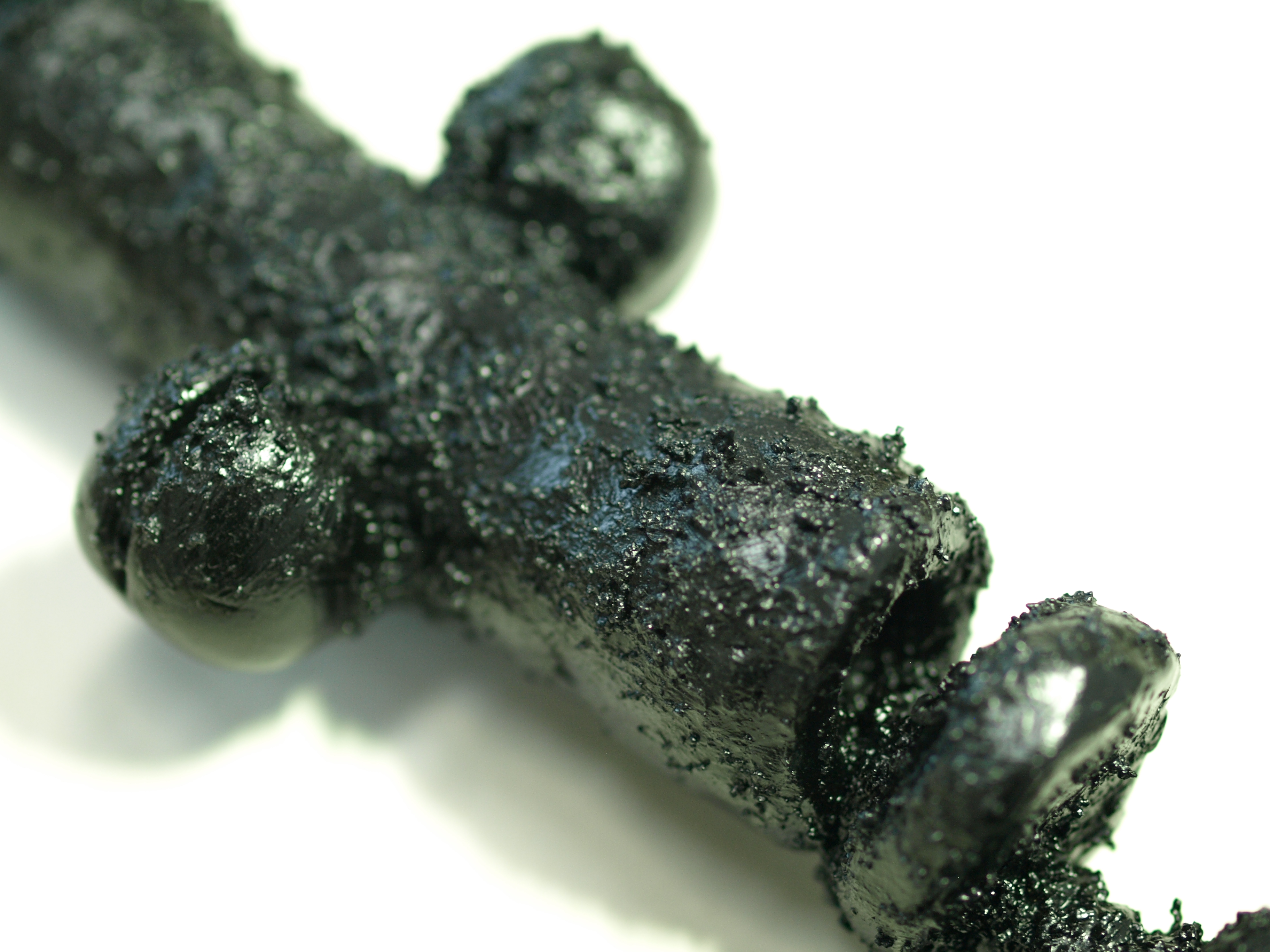
The Brewery Art Walk is coming up this April (Saturday the 26th and Sunday the 27th from 11am to 6pm) I’m going to be participating this year with several sculptures and a painting or two. This should be fun.
Crow Plane made with Adobe After Effects & Illustrator. Vroooooooooooooooom!!! (Note egg payload under wings)
Our game Boom Boom Hamster Golf is out on iOS and Android. This has been one fun project! Hats off to my team who has worked their ***es off to make this all happen. My initial concept was to challenge myself to take a game genre I really wasn’t fond of (golf!) and twist it into something fun and different. We also aimed to make something which didn’t feel like a typical mobile game, to give players something extra approaching the value and content seen on console games, but not emulate console controls and instead utilize touch screens in a way they excel at. And we might just have succeeded! We’ve put so much love and polish into this thing – Just check out our credits sequence! And we’ve got some great reviews and Almost a perfect five star rating out of 356 happy players. We must be doing something right! 🙂
//edit: #1 Download in Chinese iOS App Store! 😀
I’m still here. This year has been super busy for me. We moved into a big loft in an industrial area of LA to pursue our arts. I started a new job as Chief Creative Officer of a new studio, which means I’m in charge of all things design, art direction. I also get to write some music. It’s been a fun fun fun year (albeit a little crazy) but hopefully, as things settle down, I’ll have more time to write some updates.
In The meantime, here’s some more Crow action:
After stepping away for a while and coming back, I really wasn’t happy with the tank prototype, so I’ve gone and given it some tweaks. Here’s an adjustment to the design which I think feels much better:
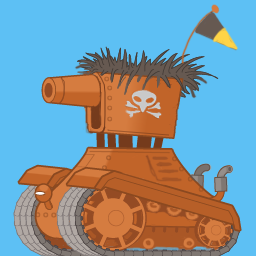
The sloping adjustment to the top of the track created by the larger front wheel gives it a more dynamic, less stiff feel. I also made the exhausts smaller because they were competing with that gun barrel. Tut…tut…tut… This is a tank! It’s all about shooting, so I need to emphasize this!
I’m thinking of sloping the top of the body where it adjoins the turret a little, too. I think avoiding any purely horizontal/vertical lines adds more fun to a silhouette, which is something easily forgotten when wrestling with a methodology for making 2D tank tracks work properly. Have I mentioned how unfathomably difficult that is yet? Why must I engage that damned left brain hemisphere so often?
But…I still haven’t resorted to digging Maya out, so I’m not yet cheating. Still all 100% Adobe Creative Suite, vectors ‘n’ old fashioned painting. 🙂
I’m also toying with this flag design for the Crows. Perhaps I’ll add an eye. 😉
Random thought regarding game sound: What if all Stovey sound is 100% synthesized and all the Crow sounds are real recordings? If we treat them with a textural process, they can live in the same sonic place, but have a different vibe to them. Would anybody notice? Would it sound disjointed, or somehow add to the experience? Only one way to find out…
Also, it might be a good idea for me to stop posting animated gifs. It’s beginning to look like The Internet, circa 1997. 😉
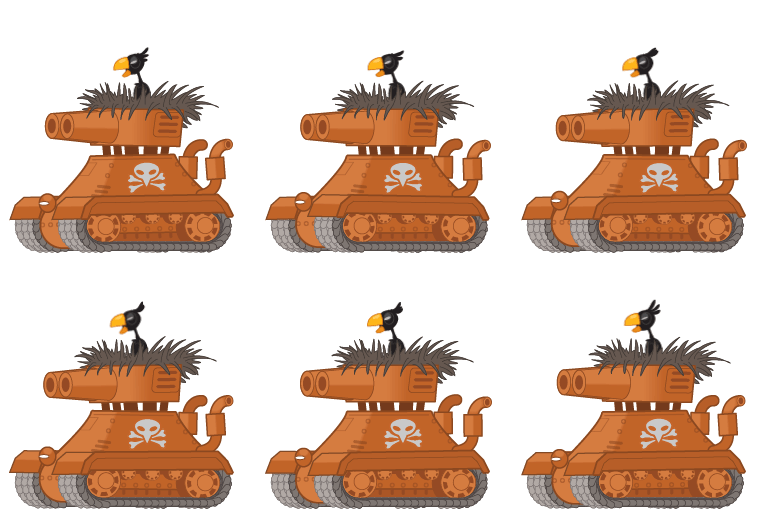
Here’s the Crow Tank Prototype. Going to have to figure out those double barrels. Ignore the jerking animation in the Crow. I just threw him in there as a test. He’s actually a Pilot Crow who is standing in for Tank Commander Crow. Crows don’t need to fly in planes, but in this game, they do.
It’s time for a new pie for Stovey:
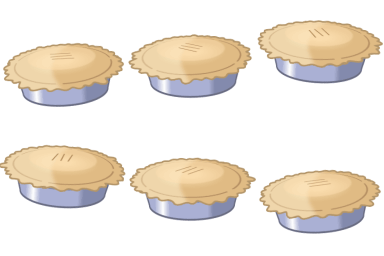
Behold! The new pie. This thing was way more complicated to draw and animate than it should be, but I’m not resorting to any 3D because that’s cheating! Now, I have to design some more types of pie. Perhaps a Square Pie. And a lattice pie. So many pies.
Now we have a basic BAKE mechanic, which allows you to suck up the helpless featherless crows and bake them into various pies. The pies are currently various sizes to represent power, but I think I’m going to make them different designs. Perhaps a square one. And a lattice topp’d pie. The longer you bake, the more SUPER AWESOME the powerup, BUT, you can’t shoot while you’re baking. STRATEGY! RISK/REWARD!
We’re shaping up to have a rather nice and original mechanic here. Oh, and the Crows are now dive bombing instead of flying across the screen without a care in the world.
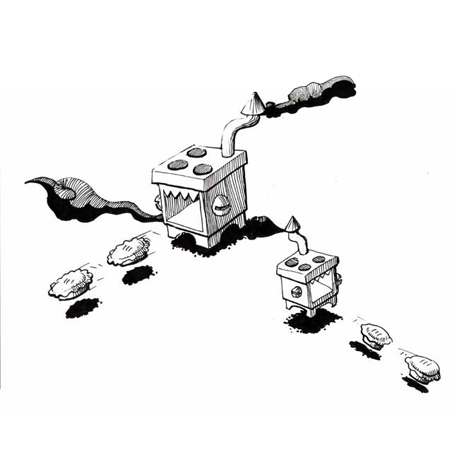
I think this was the first Pie-Shooting image I did way back in 199x. Nice to see it all in action now.
The prototype is coming along nicely with some explosion particles and a few other tweaks. While it’s beginning to be really satisfying shooting the crows, we’re now concentrating on audio/visual feedback for sucking them in. We have a good gameplay plan which adds a bit of strategic choice to the game.
The next video will feature the new dive bombing crow attack animations and perhaps some fat stovey and sucking action.